App 01 · by Saral

Paper to PDF
in seconds.

Scan any document, extract text, translate it — all on your phone. No internet required. No account. No watermark on the free version.

Get it on Google Play
Coming soon to App Store
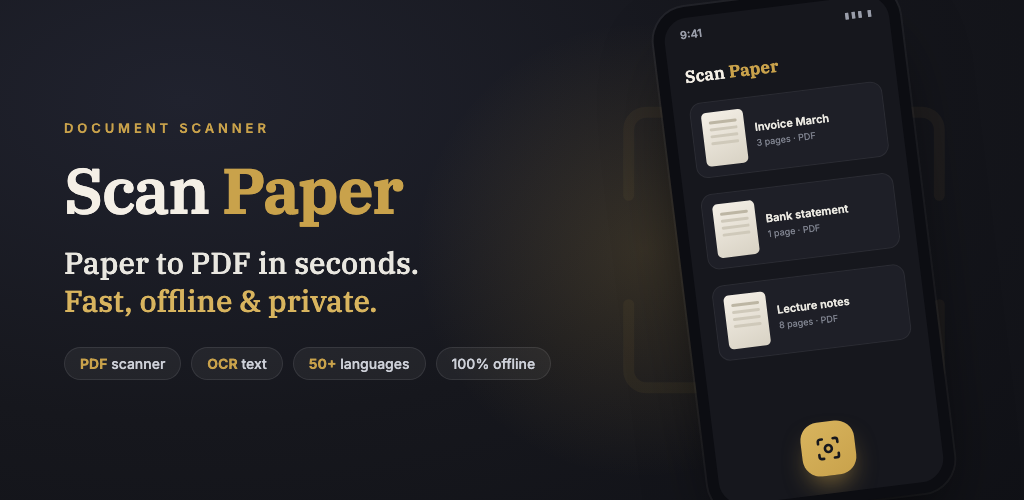
Scan Paper — Paper to PDF in seconds. Fast, offline & private.
6 features · 6 screens
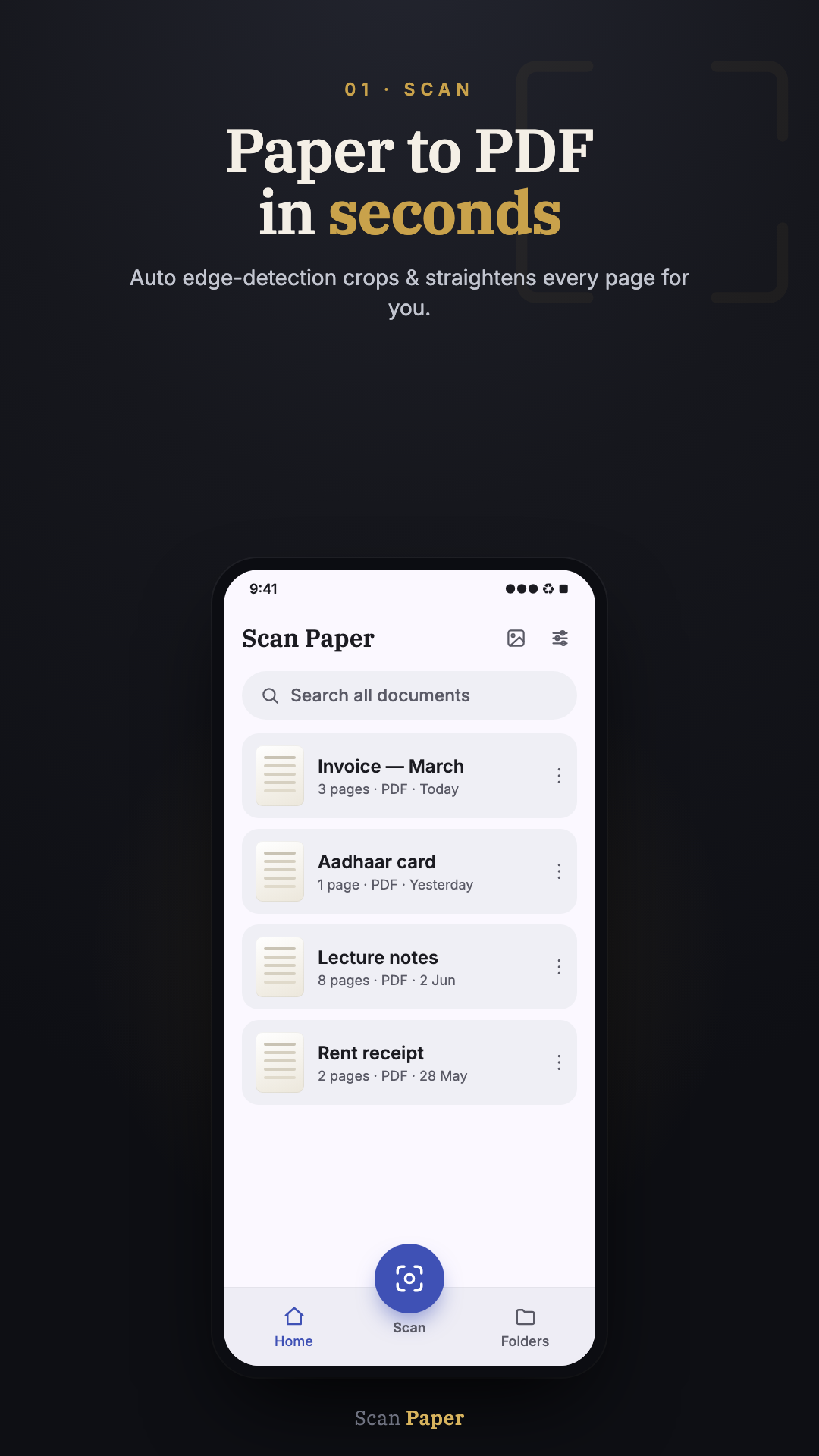
Scan — Paper to PDF in seconds
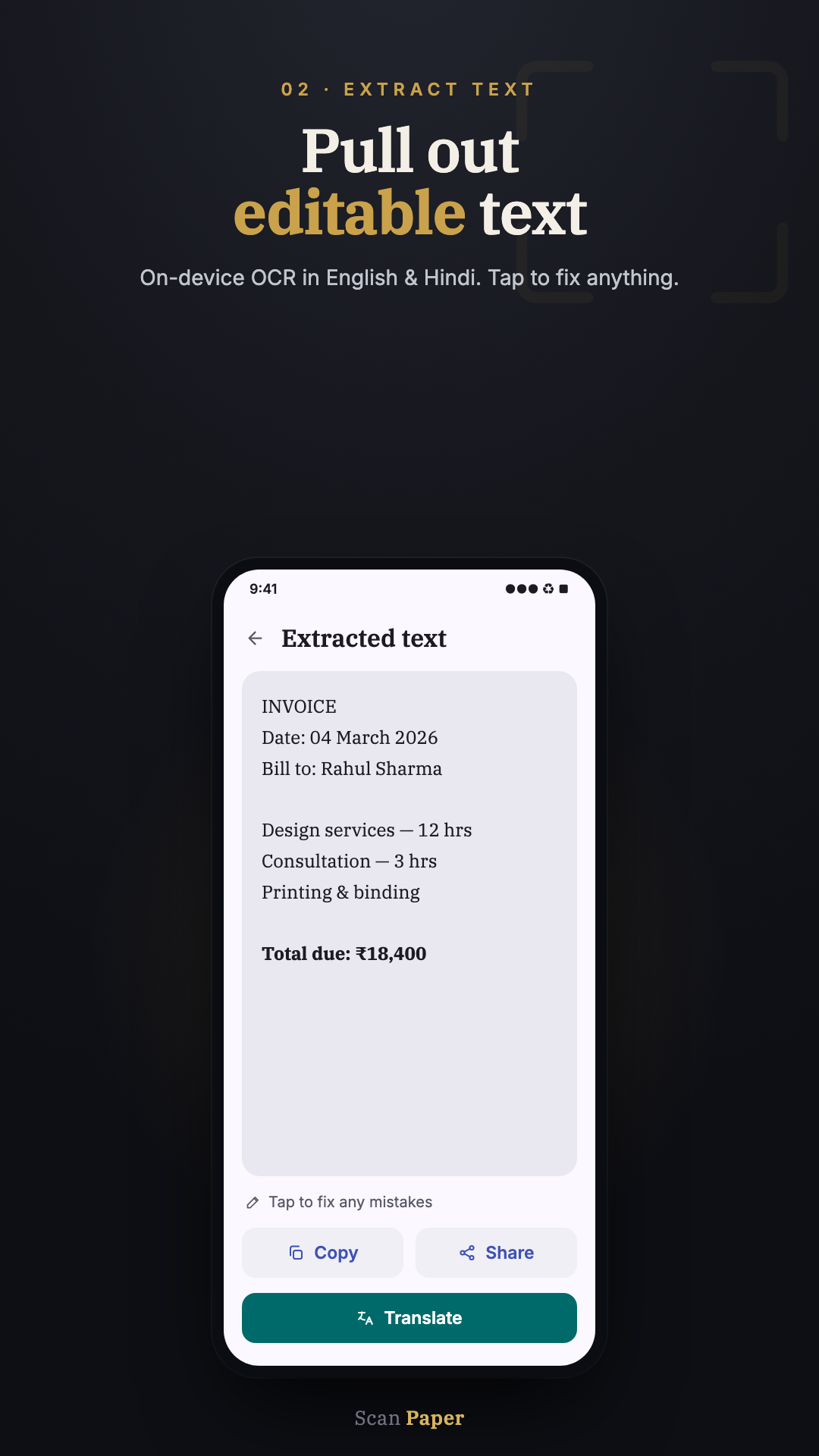
OCR — Pull out editable text
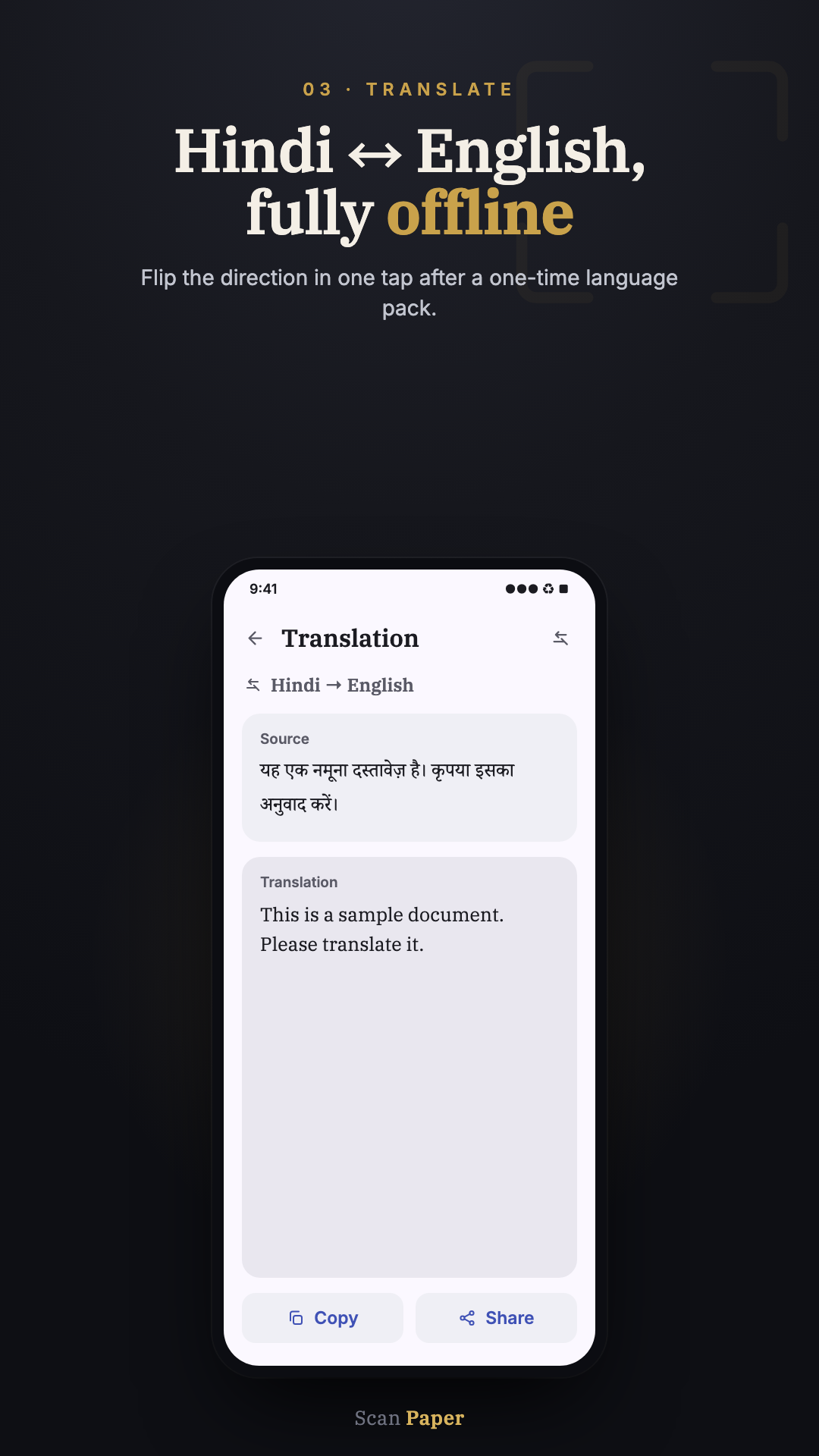
Translate — Hindi ↔ English, offline
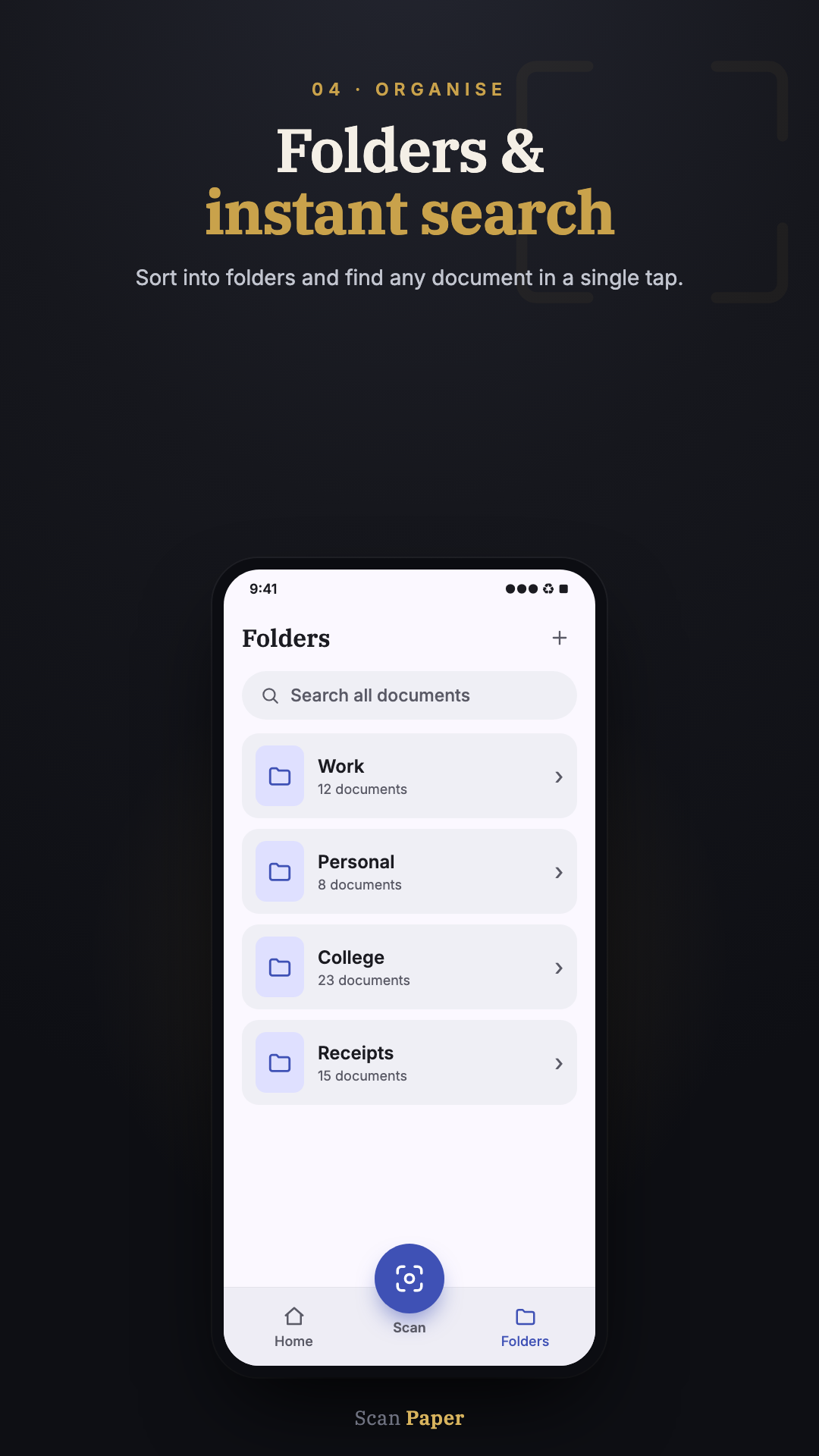
Folders — Organise & search
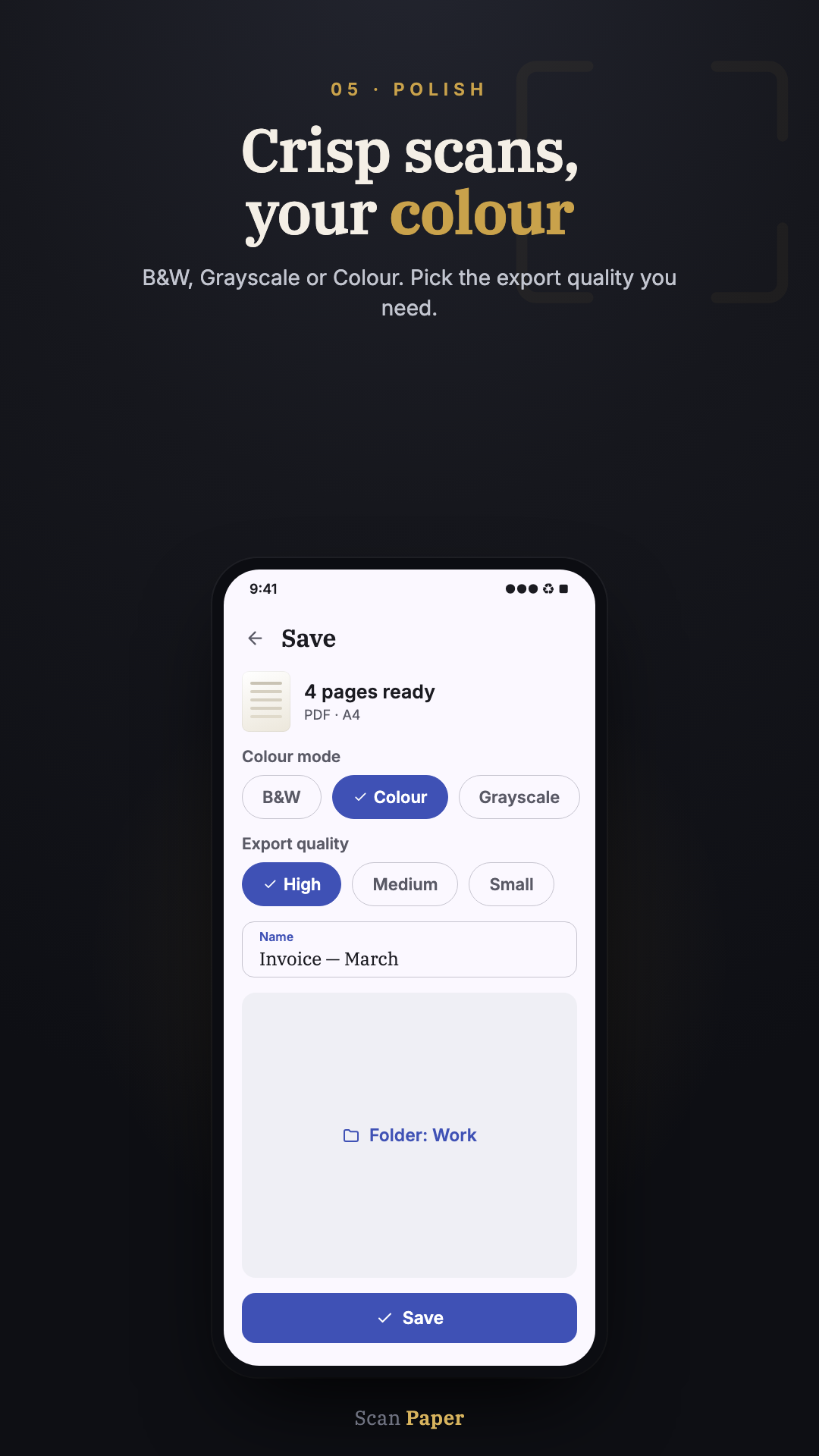
Export — Crisp scans, your colour
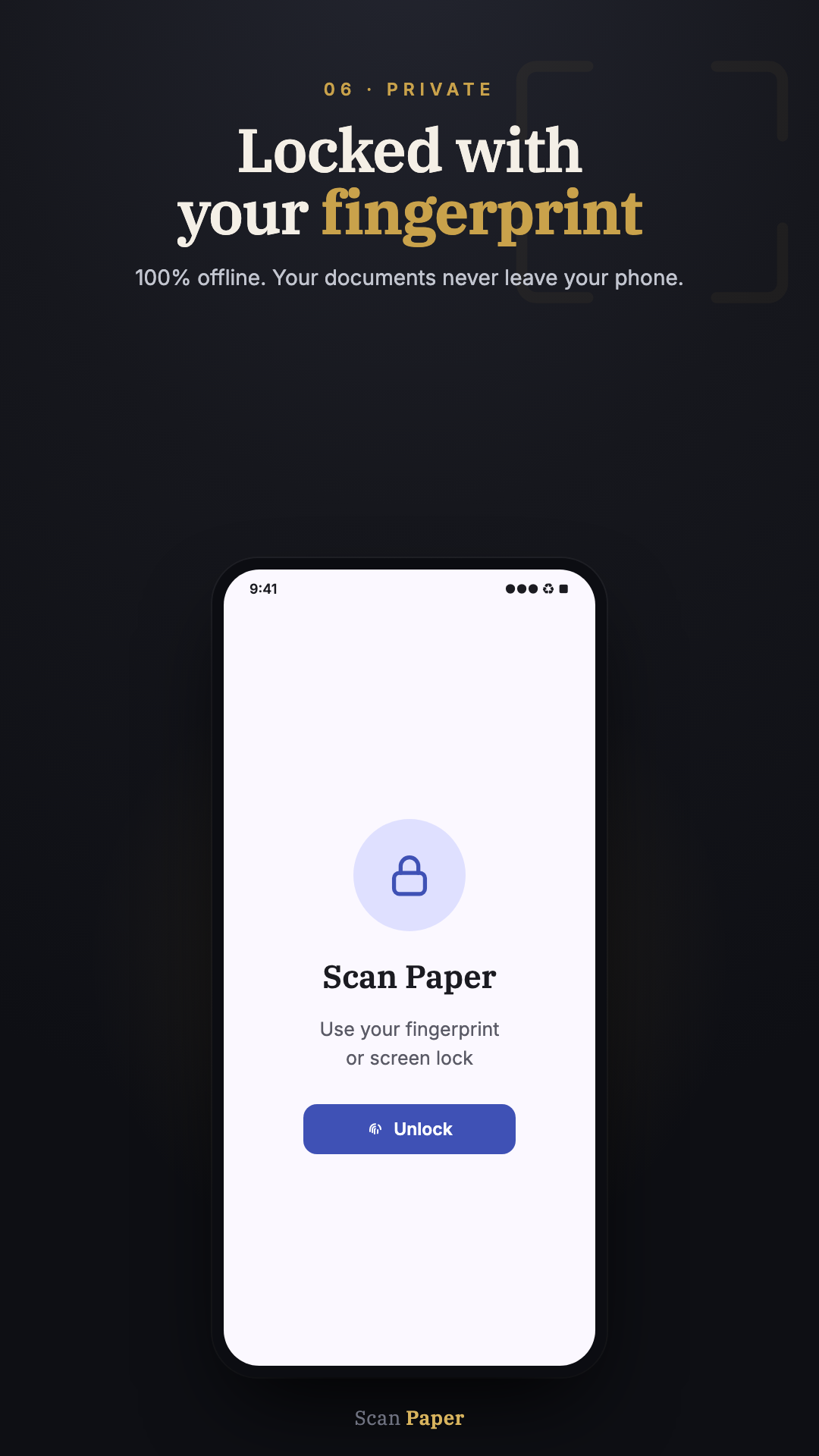
Private — Locked with your fingerprint

Everything you need.
Nothing you don't.

Six features that cover every reason you'd want a document scanner — all offline, all private, all free at their core.

Document Scanner
Auto edge detection, perspective correction, and smart crop. Turns a shaky phone photo into a clean, flat scan.
On-device OCR
Reads printed text using on-device ML. Works without internet — your documents never leave your phone.
Offline Translation
Translate recognised text between Hindi and English on-device. Useful for government notices, forms, and signage.
Folders & Search
Organise scans into folders and find any document instantly. No cloud sync required.
PDF & Image Export
Export in B&W, greyscale, or colour at the quality you need. Share to WhatsApp, email, or anywhere.
Fingerprint Lock
Protect Aadhaar, marksheets, property papers. Lock the app with your fingerprint or screen lock — no PIN to forget.
The honest difference

What other scanners do.
What Scan Paper does.

Others
Scan Paper
Watermark on every scan until you pay
No watermark on core exports. Ever.
Upload your documents to their servers
Everything processed on your device
OCR requires an internet connection
OCR works fully offline
Fake "scan quality" upsells
Honest feature listing — no fake tiers
Asks for contacts, location, microphone
Only asks for camera — when you scan
Mandatory account to save scans
No account. No sign-up. Just open and scan.
Technical details

Built to run on every phone.

Platform
Android 7.0 (API 24) and above
App size
Under 15 MB (per-device install)
RAM required
Works on 2 GB RAM (Android Go)
Internet
Not required for scanning, OCR, or translation
Permissions
Camera (on first scan only). Storage to save exports.
Languages
Hindi · English
Price
Free · Optional Pro unlock (one-time, ₹99)
Account required
No
Data sent to servers
None (only anonymous crash reports)

Scan your first document.
It's free.

No account. No watermark. Works offline. Always will.

Get it on Google Play
Coming soon to App Store