The short answer
UPI is how most Indians expect to pay, and adding it to your app is easier than it looks. You almost never connect to UPI directly. You work with a payment gateway or aggregator that is authorised to handle the money, and your app talks to them.
The hard parts are not the button. They are the flow you choose on each device, what happens when a payment is stuck, refunds, subscriptions and matching every rupee in your bank to an order. This guide covers each of those in plain terms.
How UPI fits into your app
UPI is run by NPCI and connects banks and UPI apps. A business that wants to accept UPI online usually signs up with a payment gateway or payment aggregator. They give you an account, APIs and a dashboard; the customer's bank moves the money; the aggregator settles it to your bank account.
- Your app creates an order and asks your server to start a payment.
- Your server asks the gateway to create a payment for that order and amount.
- The customer approves it in their UPI app with their UPI PIN.
- The gateway tells your server the result through a webhook.
- Your server marks the order paid and the app shows the confirmation.
Never mark an order as paid because the app said so. Always confirm the status on your server, from the gateway's webhook or a status check. A customer's phone can lose signal right after paying.
The three ways a customer can pay by UPI
| Flow | How it works | Best for |
|---|---|---|
| Intent | Your app opens the customer's chosen UPI app on the same phone, they enter the PIN, and they come back to you. | Mobile apps and mobile websites — the smoothest flow on a phone. |
| QR code | You show a dynamic QR code with the amount filled in. The customer scans it with any UPI app. | Desktop websites, counters, kiosks, TV screens and delivery at the door. |
| Collect request | The customer types their UPI ID and approves a request that appears in their UPI app. | A fallback only. Collect requests have been restricted for safety, so check what your gateway still supports. |
On a phone, lead with intent and show the UPI apps installed on the device. On desktop, lead with QR. Keep cards, net banking and, where it makes sense, cash on delivery as fallbacks.
Choosing a payment gateway
There are several authorised aggregators in India and they are more alike than different. Compare them on the things that will matter in month six, not just the sign-up offer:
- Success rates on UPI for your kind of customer, and how they handle bank downtime.
- Settlement time and whether instant or same-day settlement is available.
- Refund APIs — partial refunds, refund status and speed.
- Subscriptions — support for UPI AutoPay mandates and card e-mandates.
- Split payments if you are a marketplace and need to pay restaurants, sellers or pros.
- Webhooks and reports — reliable events and downloadable settlement files.
- Fees — get them in writing per method. Rules on what can be charged for UPI differ from cards, so ask exactly what you will pay.
- Onboarding — KYC documents, how long activation takes and which business categories they accept.
A marketplace that collects money on behalf of others has more to think about, because payouts to partners are part of the product. Our marketplace app page and home services app page show how partner payouts appear in the apps.
Designing a checkout people trust
Most payment drop-off happens in the gap between tapping Pay and seeing a result. Design that gap carefully.
- Show the total, including every fee, before the customer leaves for their UPI app.
- Remember their last UPI app and put it first next time.
- When they return, show a clear “Checking your payment…” state instead of a blank screen.
- If the status is pending, say so plainly and tell them they won't be charged twice.
- Never ask them to pay again until you're sure the first attempt failed.
- Send a confirmation by SMS, email or WhatsApp with the order and amount.
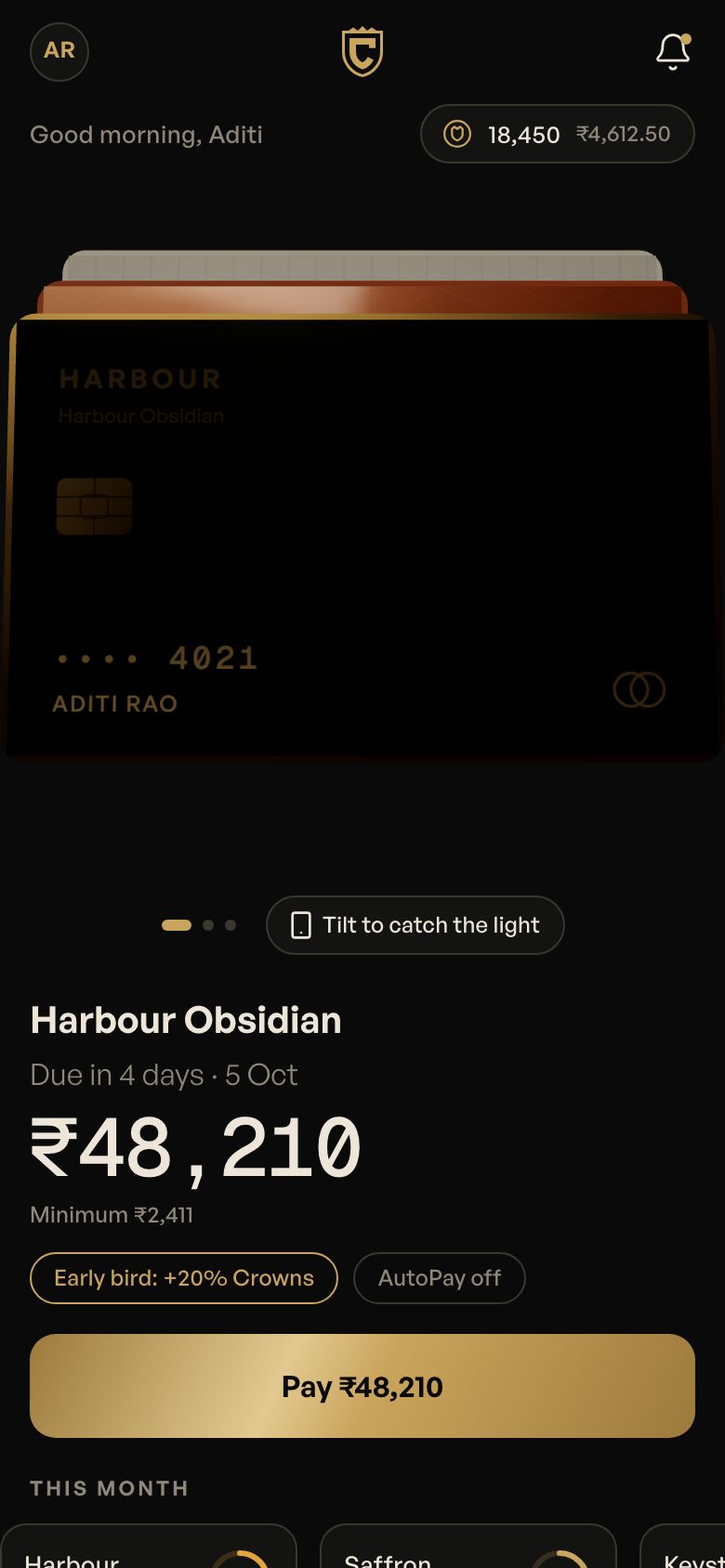
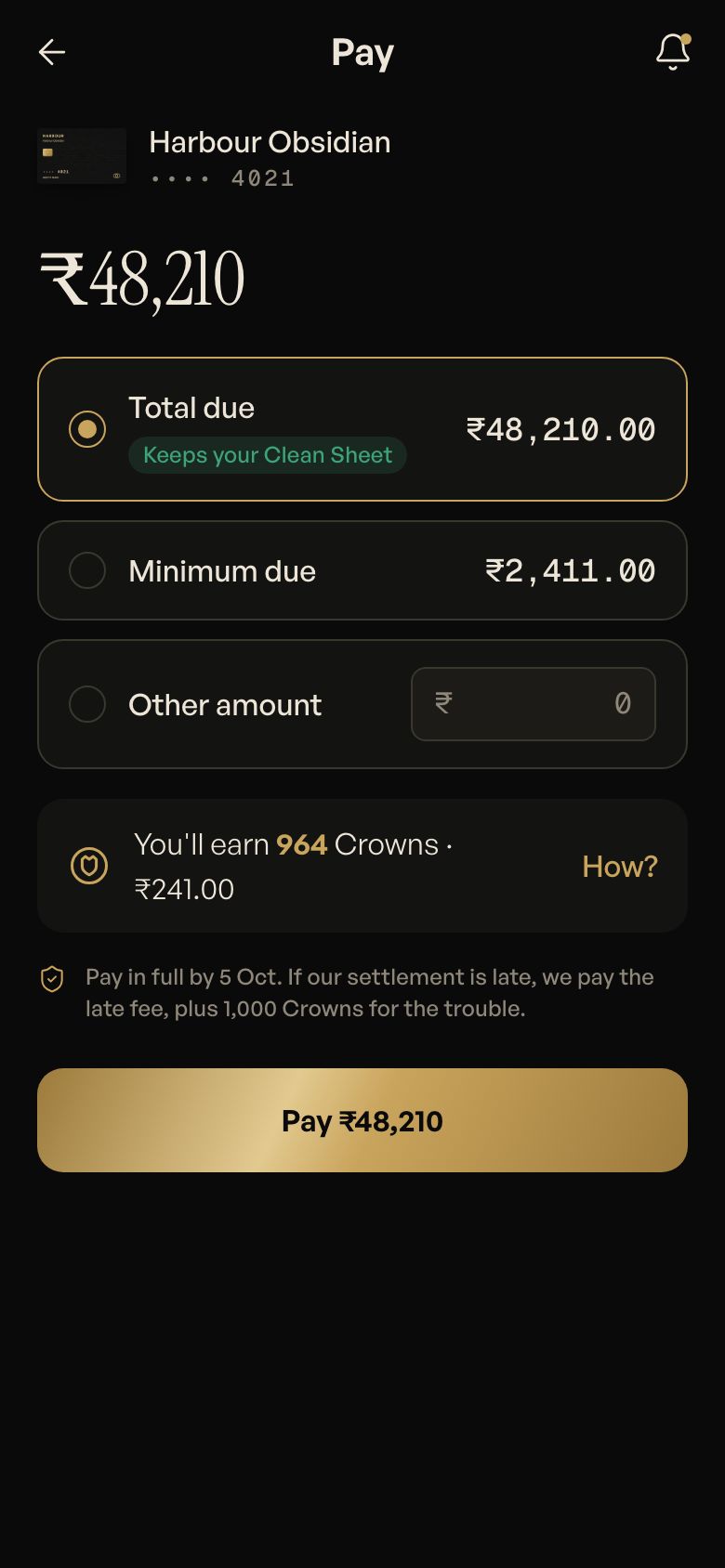
See how the Coinjar merchant side handles a received payment, and how the Crest bill payment flow keeps the result calm and clear.
Refunds and failed payments
Refunds are part of the product, not an afterthought. A cancelled food order or a missed home-service slot should trigger a refund without a support ticket.
- Start refunds from your server through the gateway's API, linked to the original payment.
- Support partial refunds — one missing item should not mean refunding the whole order.
- Show refund status in the app with an expected timeline, and the reference number the customer's bank will recognise.
- Handle the money-debited-but-order-failed case automatically. These are usually reversed, but your app should explain what is happening.
Subscriptions with UPI AutoPay
For milk, meal plans, gym memberships, tuition fees or software, UPI AutoPay lets the customer approve a mandate once and be charged on a schedule. The customer can see, pause or cancel the mandate from their UPI app.
- The customer sets up the mandate with a maximum amount and frequency.
- Before each charge, the customer gets a pre-debit notification.
- Above a certain amount, each charge needs the customer to authenticate again. Check current limits with your gateway.
- Your app must handle failed debits, retries and a clear “update payment” path.
Daily subscriptions like milk often use a prepaid wallet instead, topped up by UPI. Milkrun and Milvara show the pause, skip and top-up patterns. Read more on the subscription delivery app page.
Security basics for payment flows
You don't store UPI PINs or card numbers — the UPI app and the gateway handle those. But your side still needs care:
- Keep gateway keys on your server only, never inside the app.
- Verify the signature on every webhook before you trust it.
- Check the amount and order ID in the gateway's response match what you expected.
- Never ask customers for their UPI PIN or an OTP over phone or chat, and say so in your app — scammers often pretend to be support.
- Limit who can issue refunds in your ops dashboard, and log every one.
Reconciliation: matching money to orders
At the end of each day someone has to check that every paid order has money behind it, and every rupee in the bank belongs to an order. Make that easy from the start:
- Store the gateway's payment ID and UPI reference against every order.
- Make payment creation idempotent so a retry never creates a second charge.
- Pull settlement reports automatically and match them to orders.
- Flag mismatches — paid but no order, order but no payment, refund not processed — in your ops dashboard.
- Generate GST invoices from the same data so accounts and payments always agree. Tillbook shows a counter-side version of this.
Fees, limits and RBI and NPCI rules around UPI, mandates and payment aggregators change from time to time. Confirm the current rules with your payment gateway and your CA before you launch.
Questions people ask
Can I accept UPI in my app without a payment gateway?
For a real online business, you will almost always use an authorised payment gateway or aggregator. They handle the bank connections, payment status, refunds and settlement to your account. Showing a static UPI QR with your personal ID may work for a tiny shop, but it gives you no automatic order confirmation, no refunds API and no reconciliation.
What is the difference between UPI intent and UPI collect?
Intent opens the customer's UPI app on the same phone with the amount already filled in, so they only enter their PIN. Collect sends a request to a UPI ID the customer types, which they approve in their app. Intent is smoother on mobile and has largely replaced collect, which has been restricted for safety reasons.
Can I use UPI for subscriptions and recurring payments?
Yes. UPI AutoPay lets a customer approve a mandate once, after which you can charge them on a schedule. They receive a notification before each debit and can pause or cancel from their UPI app. Higher amounts may need re-authentication each time. Ask your gateway about current limits and how they handle failed debits and retries.
How long do UPI refunds take?
Refunds started through your payment gateway usually reach the customer within a few working days, though many arrive sooner. The exact time depends on the gateway and the customer's bank. Your app should show the refund status and a bank reference number, so the customer doesn't need to contact support to find out where their money is.